
Medical office
- Example client instruction
- Offer an available appointment before taking a message, when the office script calls for it.
- Appointment review criterion
- Appointment offered

An answering service owner is responsible for hundreds of small promises made under other companies’ names. CallSniper organizes the recordings you provide by client, applies the selected account scorecard, and gives supervisors transcript evidence for the calls that need a human review.
“Thank you for calling
the right business name.
How can I help you?”
A medical office, property manager, and funeral home each define a good call differently. Organize recordings by client, apply the appropriate scorecard, and let the supervisor start with the transcript passages behind the findings.
Schedule a demoThank you for calling Duncastle Dental Group. How may I help you?
I need to move my Thursday appointment. Something came up at work.
The next opening is tomorrow at 9:30. Would you like me to hold it?
Yes. Please have them call me back at 541 555 0132.
I'll send the message to the office right away.
Sample calls. Each account carries its own scorecard, and each scorecard adds up to its own total.

Check the recording against that client’s urgency question and written callback expectation.
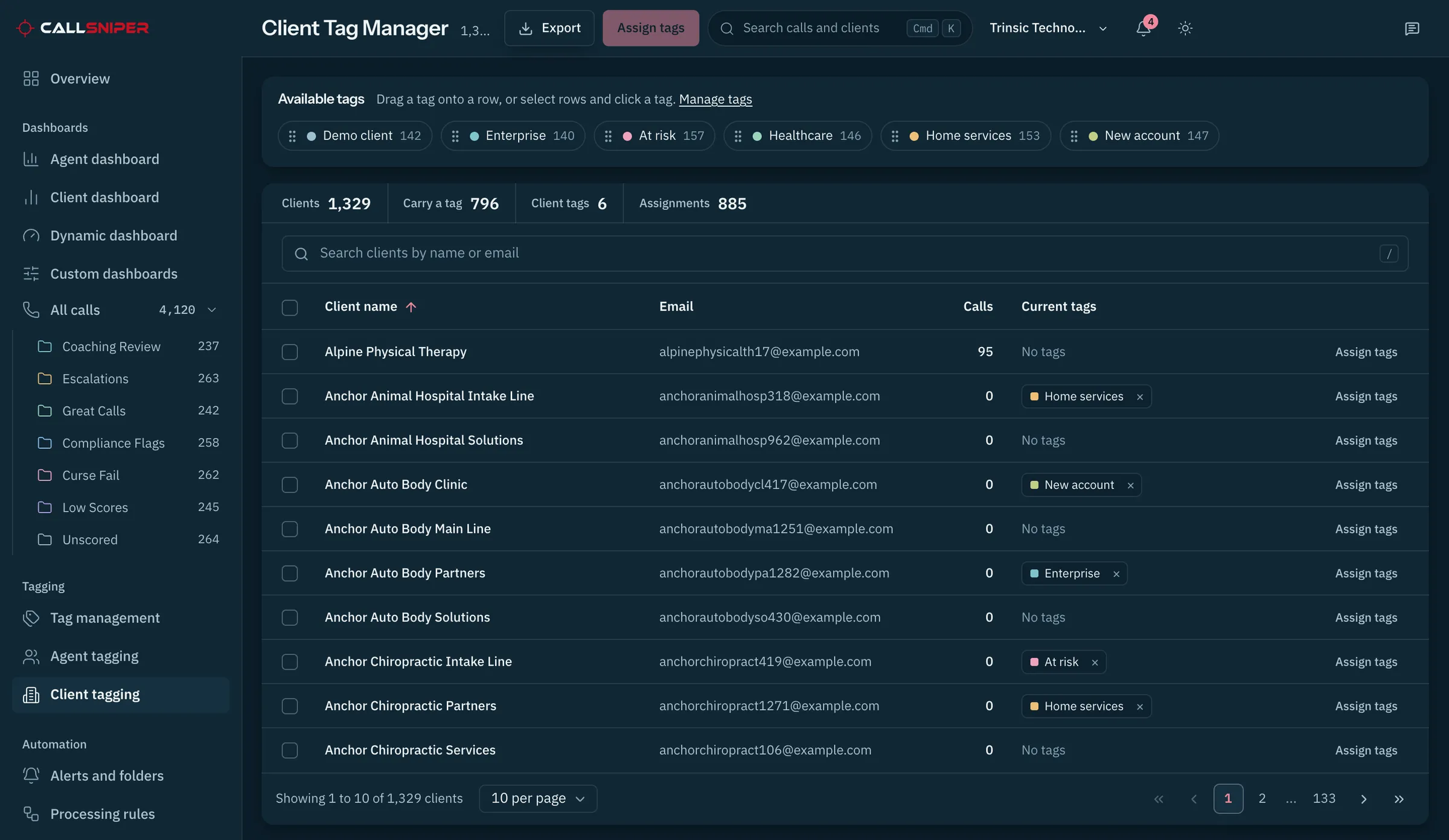
Put the transcript beside the account script and listen from the criterion that needs attention.
These five examples show how an account instruction can become a review criterion. The final wording always comes from the client’s current script and operating policy.




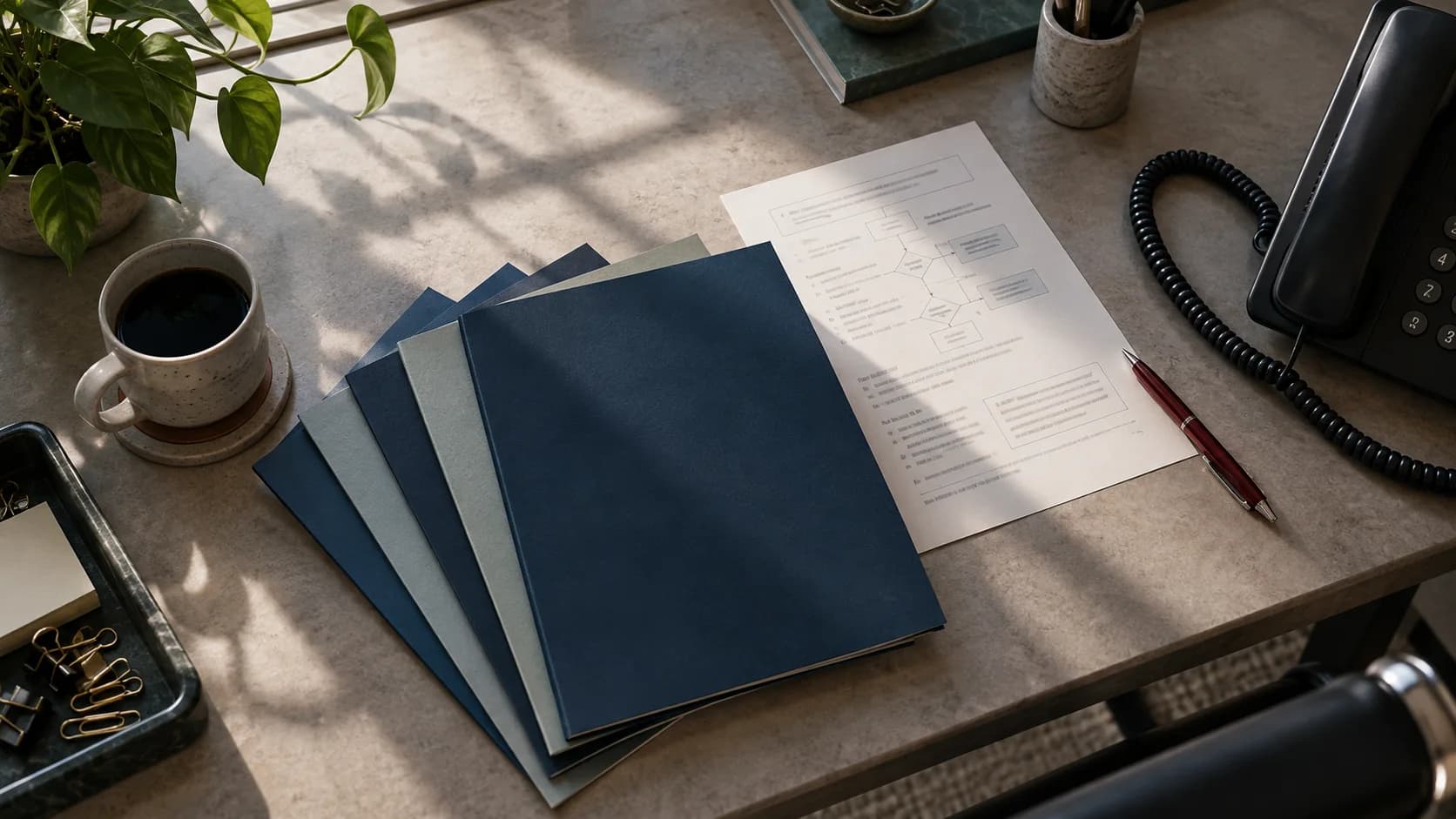
The sequence below is an illustrative answering service review. Configure the questions and critical rules from the account’s approved script before scoring its recordings.
Was the client named with the greeting approved for this account?
Play the opening beside the script and coach from the exact words.
Did the agent capture the caller's name, reason for calling, and callback number?
Use the transcript to review the fields the account requires on this call type.
Did the agent ask the account's urgency question and state the correct next step?
Open the flagged passage and confirm that the score matches the account instructions.
Did the agent read back the important details and set the callback expectation in the script?
Save a strong recorded example for the next coaching session.

Open the recording at the scored criterion, listen with the agent, and compare the words with the account’s approved instruction.
See the coaching notesA useful pilot begins with a current script, a representative recording set, and a review question the team already debates. That gives the owner a concrete result to inspect before adding more client accounts.
The owner and QA supervisor can calibrate the first scorecard together, then compare each finding with its transcript and audio.
CallSniper can turn those materials into an illustrative scorecard and review queue for the team to evaluate. Account permissions and reporting are confirmed during pilot scoping.
Plan the pilotStart with the recording path, account setup, and report the team needs to review.
Yes. Accounts can carry different scorecards, rules, folders, and tags. Start with recording metadata that identifies the client, then confirm the assignment and permission setup during the pilot.
Bulk upload is the confirmed starting path. Export recordings, upload a batch, and organize them by client. Any direct or scheduled connection to your call handling platform must be confirmed and scoped during the pilot.
CallSniper supports organization branding and report exports. The answering service decides what to share, while direct client access and account permissions must be confirmed for the intended workflow.
Bring the approved script and a representative set of recordings. The first review will show how the account criteria map to real conversations.