Schedule a demo
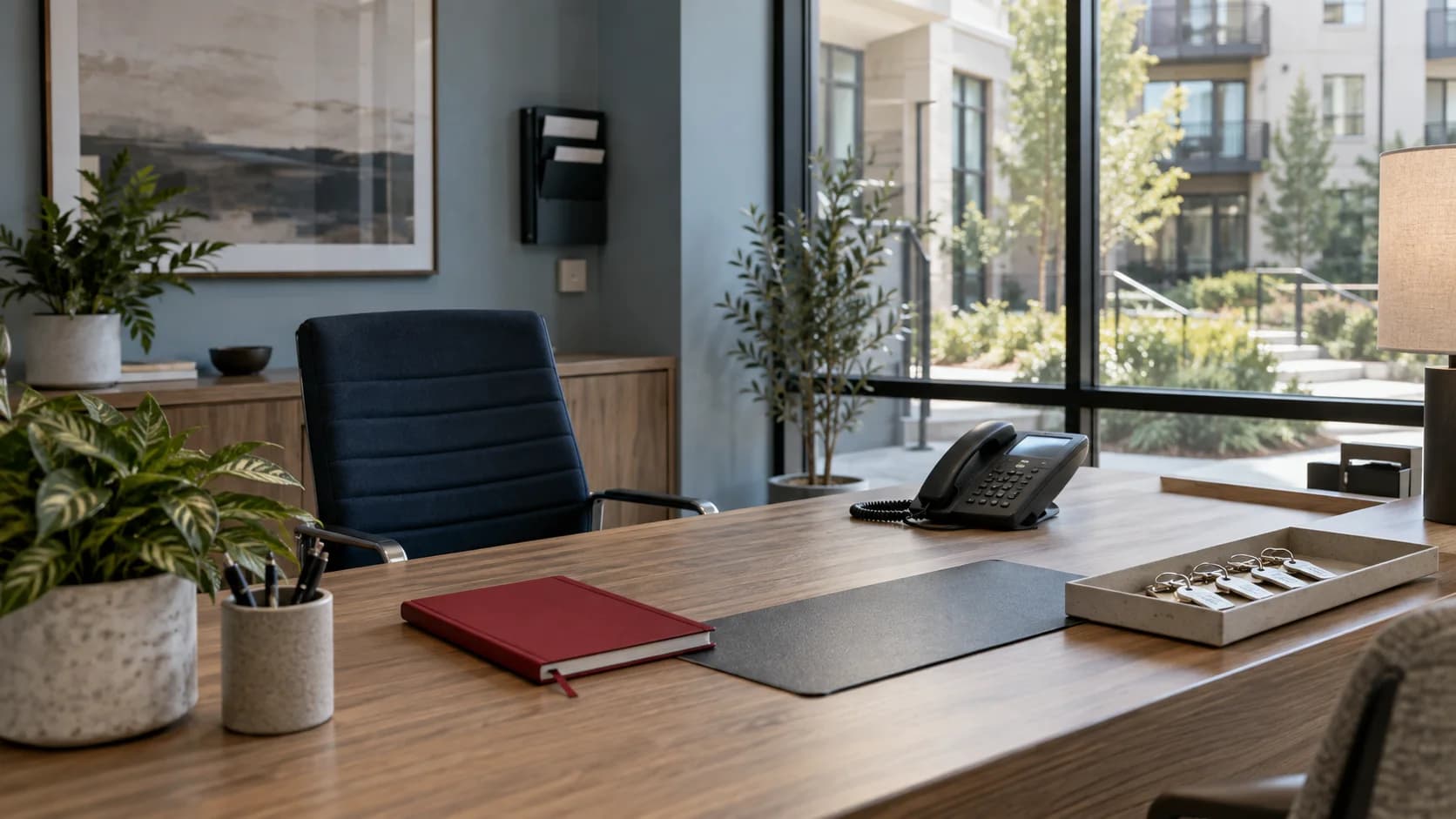
A leasing-office desk with a telephone and property keys overlooking an apartment courtyard.
CallSniper / Property management

Give regional managers the leasing calls a mystery shop leaves unseen.

Leasing agents move between tour requests, rent questions, applications, and resident service calls all day. CallSniper reviews uploaded recordings against the property's approved leasing or maintenance scorecard, giving regional managers real conversations to use in coaching.

“Thanks for calling
Tessingham Court.
Are you looking for a one or two bedroom?”

Fair housing phrasing and the tour offer, checked across submitted leasing calls.

Every leasing call,
scored the same way.

A mystery shop captures a staged moment, while the uploaded call set shows how leasing and resident conversations unfolded during the selected period. CallSniper applies the property's approved standards and gives the regional manager flagged transcript evidence to review.

Schedule a demo

Follow a leasing call from the greeting to the tour.

Each row is a moment the scorecard checks and the conversation it opens with the team.

The momentThe detail to reviewThe team conversation
Greeting

Did the agent name the property and ask what the caller needs?

Compare the opening against the property's script.

Qualifying

Were the preferred move date, bedroom count, and budget captured with permitted questions only?

Use the transcript to check the exact questions asked.

Tour offer

Was a tour or an application offered with a specific day and time?

Look at how often the offer happens and how often the caller accepts.

Follow up

Did the agent confirm the callback number and the next step?

Share one strong example and one missed example with the team.

A leasing call scorecard, 100 points.

Points are illustrative. Fit them to your properties and the fair housing training your agents complete.

CriterionObservable behaviorPoints
Property identifiedNames the property and offers help in the greeting10
Needs capturedRecords bedroom count, preferred move date, and budget20
Fair housing phrasingAsks only permitted qualifying questions and uses approved language25
Tour offeredOffers a tour or application with a specific day and time20
Contact confirmedRepeats the caller's name and phone number15
ClosingStates the next step and thanks the caller10
Total100

Illustrative review flags

  • Any question about familial status, national origin, disability, religion, or another protected class
  • Steering the caller toward or away from a property or unit
  • A maintenance emergency taken without the urgency confirmed

Bring these to a pilot.

  • A month of recorded leasing line calls from one property
  • Your most recent mystery shop report
  • The fair housing phrasing your training uses
  • The report your regional managers review

The pilot scores your own calls, then puts the result beside the shop report you already pay for.

See what call review costs today

Make it fit
your operation.

Confirm the workflow with the people who will use it.

Can this replace mystery shopping?

The pilot can score a defined set of real leasing recordings and compare the findings with your existing shop report. That gives the regional team two views of the phone experience before it changes the current QA process.

Does it handle maintenance and resident calls too?

Yes. Processing rules can assign a maintenance scorecard to service calls and a leasing scorecard to prospect calls, so each call is judged against the right standard.

How do we handle several properties with different scripts?

Include the property in the upload data so recordings can be reviewed against that community's approved script and filtered for regional review.

Where do the recordings come from?

Bulk upload from your phone platform is the day one path. The connection to your call tracking or leasing phone system gets scoped during the pilot.

Start with one property's leasing line.

Bring a month of calls and the script your agents train on. See what a full month of coverage looks like beside the shop report.

Schedule a demo