Schedule a demo
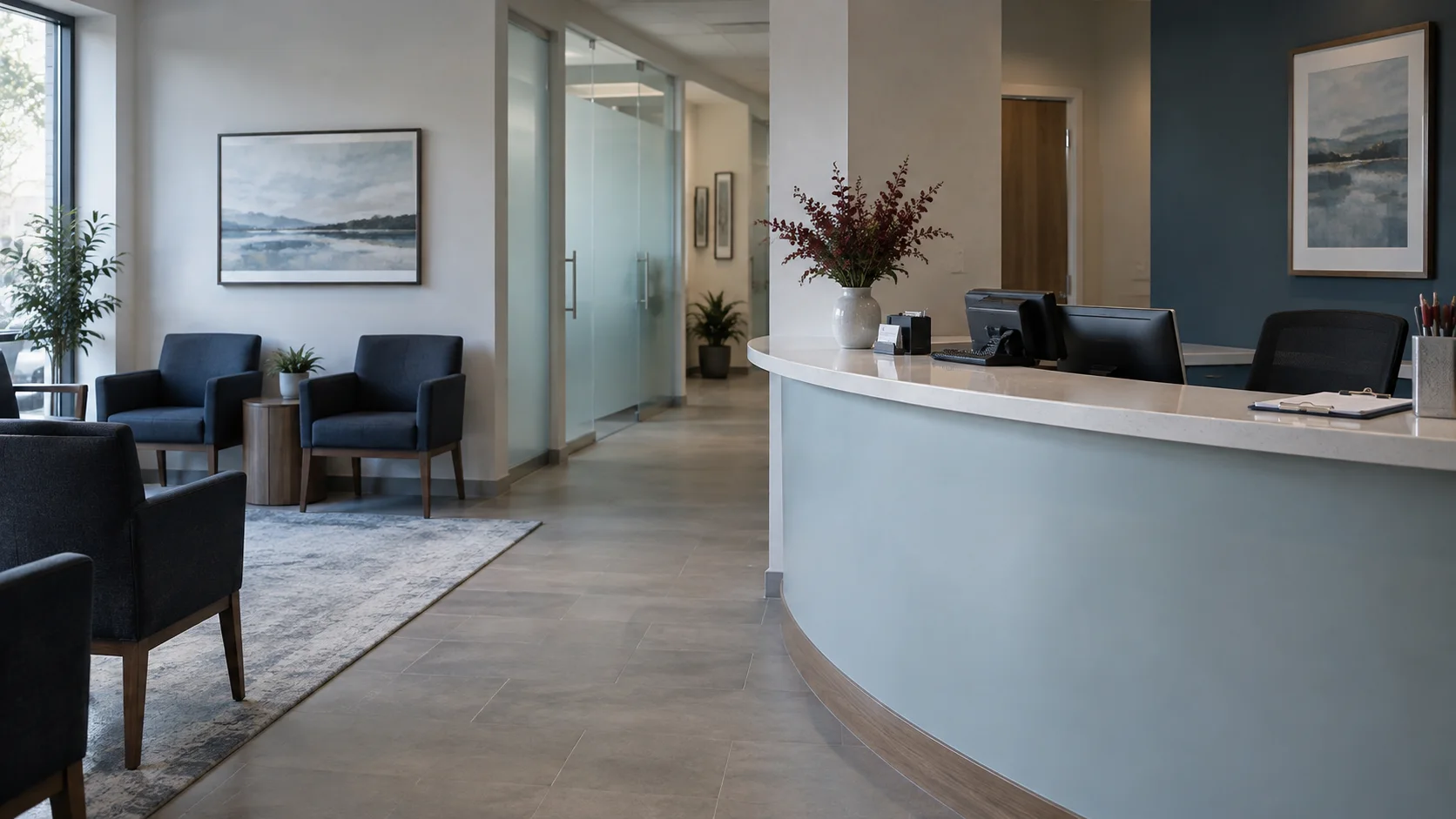
An empty dental reception area with a phone and navy waiting-room chairs.
CallSniper / Dental and medical front desk

Help the office manager find the front desk calls that cost an appointment.

Schedulers handle questions from new patients, recalls, insurance calls, and a busy counter at the same time. CallSniper reviews the recordings your practice provides against its booking and identity verification steps, so the office manager can coach from a specific call instead of a calendar gap.

“Before I pull up your chart,
can you confirm your date of birth?
Then let's find a time for that cleaning.”

The identity check before any clinical detail, checked across submitted front desk calls.

Submitted calls organized
for office review.

An office manager hears a front desk call when a patient complains or a chart is wrong. CallSniper reviews submitted calls against the practice's approved identity and booking steps, then places the relevant transcript passage beside each finding.

Schedule a demo

Follow a front desk call from the greeting to the booked appointment.

Each row is a moment the scorecard checks and the conversation it opens with the team.

The momentThe detail to reviewThe team conversation
Greeting and hold

Did the scheduler name the practice, and was any hold explained and kept short?

Compare the opening against the phone script for that location.

Identity check

Was the patient's identity verified before any clinical or billing detail was discussed?

Use the transcript to see what was shared and what was confirmed first.

Appointment offered

Was a specific day and time offered, or did the caller only receive information?

Track how often the offer happens and how often the caller books.

Insurance and follow up

Was the insurance question answered from the plan on file or handed to the billing coordinator, and was a callback promised?

Pull the promised callbacks and check whether they happened.

A front desk call scorecard, 100 points.

Points are illustrative. Fit them to your practice's scheduling protocol and the privacy training your team completes.

CriterionObservable behaviorPoints
GreetingNames the practice and offers help10
Identity verifiedConfirms two identifiers before discussing anything clinical or financial20
Reason for visit capturedRecords the concern or the service the patient needs10
Appointment offeredOffers a specific day and time and books it25
Insurance handledAnswers from the plan on file or hands off to the billing coordinator15
Cancellation rebookedOffers a new time before processing a cancellation10
Callback documentedRecords the promised callback with a date10
Total100

Illustrative review flags

  • Clinical or billing information shared before the patient's identity was verified
  • Patient information discussed with someone other than the patient without a release on file
  • A recall call placed to a number the patient asked the practice to stop using

Bring these to a pilot.

  • A month of recorded front desk calls from one location
  • Your scheduling script and the identity verification steps your team trains on
  • The new patient and recall booking numbers for that month
  • The report your office manager or practice administrator reviews

The pilot scores your own calls, then puts the result beside the booking numbers you already track.

See what call review costs today

Make it fit
your operation.

Confirm the workflow with the people who will use it.

How does it handle protected health information?

Patient audio should be uploaded only under agreed access, retention, security, and contractual privacy terms. Ask for the current security documentation and agreement before sharing recordings.

Can it tell a new patient call from a recall call?

Yes. Processing rules can assign a new patient scorecard to inbound inquiries and a recall scorecard to outbound reactivation calls, so each call is judged against the right steps. The rule can key off the line, the campaign, or the metadata you upload.

How do we handle several locations or a DSO?

Include the location in the upload data so recordings can be reviewed against that office's approved script and filtered for regional review.

Where do the recordings come from?

Bulk upload from your phone platform is the day one path. The connection to your practice phone system or call tracking provider gets scoped during the pilot.

Start with one location's front desk line.

Bring a month of recordings and the scheduling script your team trains on. See how many calls got an appointment offer and how many started with the identity check.

Schedule a demo